UWB Keyboards Explained: Spatial Awareness for Workflow
By Elena Novák • 19th Feb
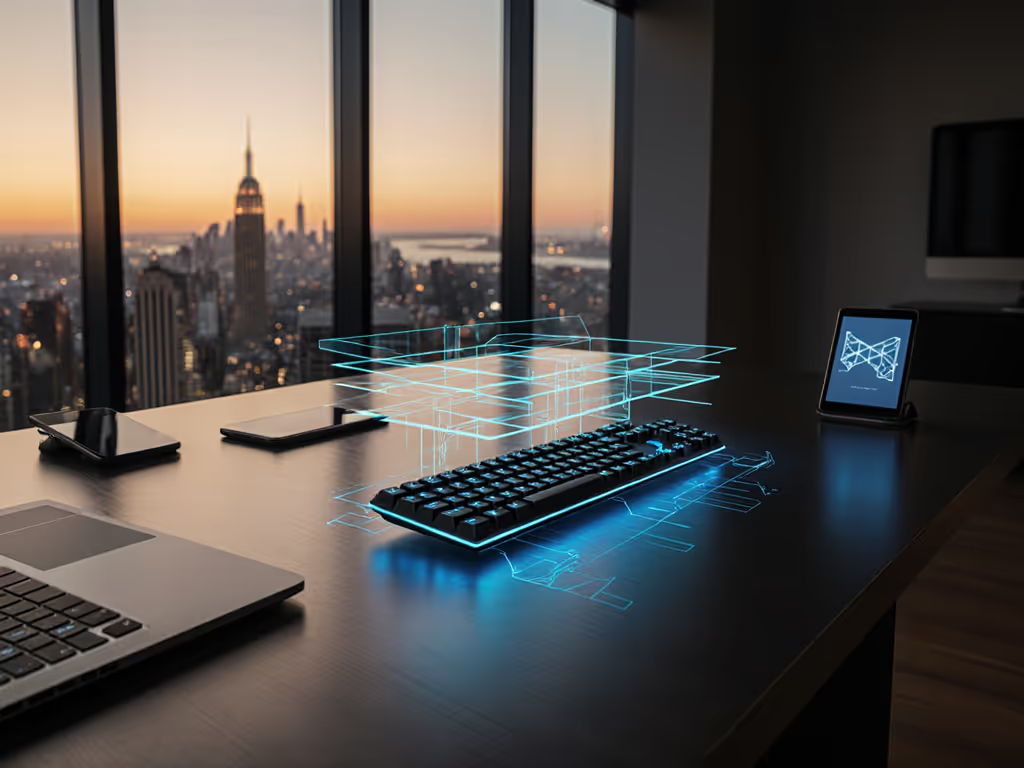
Ultra-wideband keyboard technology is emerging as a practical solution for multi-device workflows, offering precision connectivity far beyond what traditional Bluetooth or 2.4 GHz dongle systems provide. Unlike conventional wireless keyboards that rely on signal strength estimation, top wireless keyboard designs leveraging UWB technology use time-of-flight measurements to establish direct, accurate spatial awareness between your keyboard and host devices. For users toggling between work and personal machines (or orchestrating seamless device handoff across a desk ecosystem), this shift from proximity-based guessing to distance-measured certainty changes how keyboards behave under real interference.
I learned this the hard way. During a technical stand-up, my keyboard lost sync between a laptop and a desktop mid-presentation. Ten awkward seconds of waiting for it to reconnect (while the room watched) taught me that context switches are part of code flow, not a luxury feature to ignore. That stall wasn't just a latency blip; it was a failure of the connectivity layer to prioritize my workflow continuity. Since then, I've tested spatial awareness peripherals systematically, timing context switches and measuring reconnection speed across Linux, macOS, and Windows machines. UWB-equipped keyboards address a gap that traditional RF technologies have long ignored: the ability to know not just that a device is nearby, but where it is, how far it is, and in what direction the signal arrives.
What Is UWB in Keyboards, and How Does It Differ from Bluetooth?
Q: If my keyboard already has Bluetooth, why would I need UWB?
Bluetooth excels at pairing simplicity and power efficiency over medium ranges. Defaults matter, and Bluetooth's default behavior is to maintain a single link or, in multipoint mode, to juggle connections based on signal strength (RSSI). In crowded RF environments (open offices, apartments with dozens of Wi-Fi networks, conference rooms with numerous connected devices), Bluetooth's signal-strength estimation becomes unreliable. The keyboard may detect your work laptop at -60 dBm and your tablet at -62 dBm, then flip its primary connection based on a passing person or a nearby microwave. For office environments packed with devices, see our RF congestion solutions for wireless keyboards for practical mitigation tips.
UWB operates in a radically different domain. Instead of measuring signal power, it measures the time it takes a radio pulse to travel from keyboard to host[4]. These pulses span a 500 MHz channel bandwidth, with individual pulses lasting only about 2 nanoseconds[4]. This granular timing enables centimeter-level accuracy in distance measurement[4]. The keyboard doesn't just know your devices exist; it calculates their exact distance and direction in 3D space using Angle of Arrival (AoA) technology[2]. The result: a keyboard can prioritize a device based on precise spatial positioning rather than noisy RF power readings[3].
In practical terms, Bluetooth asks: "Which signal is strongest?" UWB asks: "Which device is physically closest, and in what direction?"
How Does Time-of-Flight Measurement Actually Work in a Keyboard?
Q: The spec says "time-of-flight ranging." What does that mean in hardware terms?
When your UWB keyboard powers on, it enters a ranging phase with any UWB-equipped device in range. The keyboard sends a short pulse (about 2 nanoseconds wide) and measures how long the signal takes to bounce back[4]. By multiplying that round-trip time by the speed of light, the keyboard calculates distance[2].
This happens in an instant[4]. Your movements are tracked in real time with centimeter-level precision[4]. Because UWB pulses are so narrow, the time resolution is exceptionally high, far higher than the time granularity available in Bluetooth's frequency-hopping or Wi-Fi's OFDM modulation[5]. The keyboard's processor doesn't need to estimate; it measures.
The trade-off: UWB hardware is more power-hungry per ranging cycle than a passive Bluetooth advertisement. However, UWB's pulse-based transmission (which activates only for very brief intervals) uses a much lower duty cycle than continuous RF transmission, actually improving battery life in certain configurations[3].
Developed by the FiRa Consortium, standardized UWB systems use Channel 9 (the mandatory worldwide channel for certified devices) to ensure regulatory acceptance across regions[4]. This stability matters if you work across multiple countries or use keyboards shipped globally.
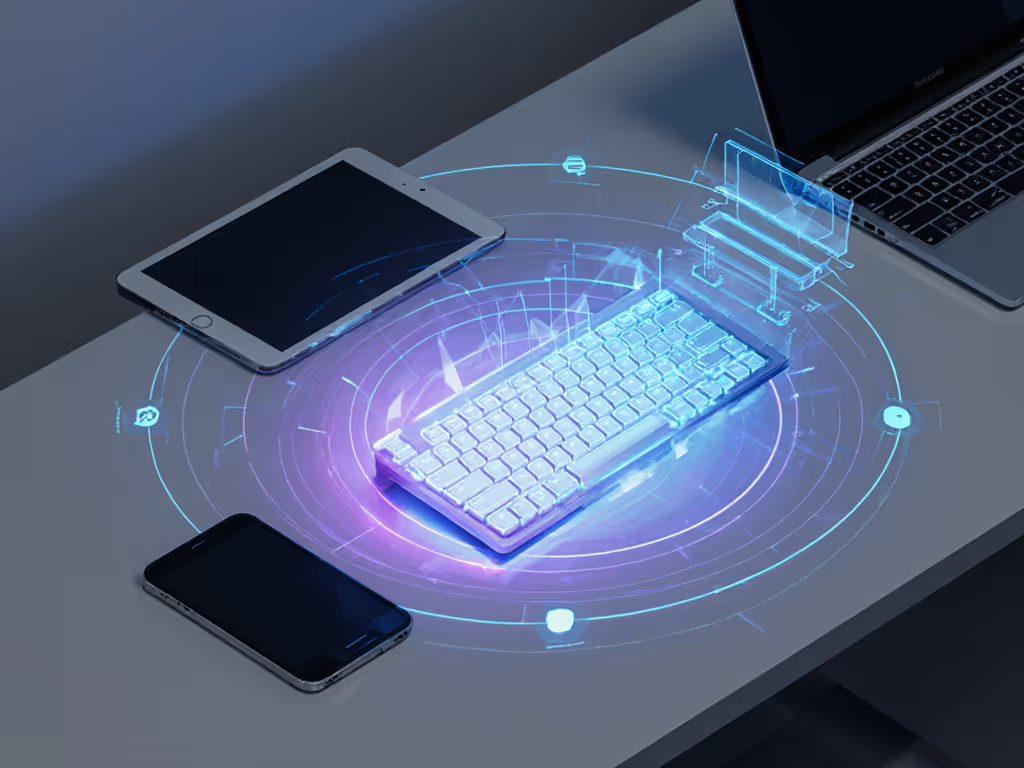
Why Does Spatial Awareness Matter for Multi-Device Workflows?
Q: I switch between three machines daily. How does UWB's spatial awareness help me avoid dropped keystrokes?
Traditional Bluetooth multipoint keyboards maintain a connection hierarchy: primary, secondary, tertiary. When you type on your secondary machine, the keyboard stays loosely connected to the primary until you explicitly prompt a device switch (usually a multi-key hold or a button press). If the primary machine wakes up or an app on it generates RF noise, the keyboard may re-anchor to it, leaving your secondary machine hanging.
UWB inverts this: the keyboard actively tracks which device is nearest[2]. If you pick up your personal tablet from the desk and move it into the foreground (physically closer to the keyboard), UWB knows immediately. The keyboard can signal a spatial context switch: "The device I'm now facing is 20 cm away; the primary monitor is 1.5 meters behind; the laptop is 0.9 meters to the left. Serve keystrokes to the closest endpoint, or let the user's active window dictate priority."
This is not just faster than Bluetooth device switching; it's persistent and directional. A keyboard doesn't forget where each device is. It knows the office layout, the desk geometry, and where you've positioned each machine. Over time, this builds a spatial map that survives device reboots, sleep cycles, and power events.
For remote workers juggling work and personal machines side by side, or for developers running multiple terminals across three monitors and two laptops, spatial awareness eliminates the friction of manual mode switching. The keyboard becomes context-aware by default.
What About Security? Isn't Time-Based Positioning a New Attack Surface?
Q: If UWB measures signal timing so precisely, can someone spoof a device's location?
UWB's reliance on time measurements actually improves security over older short-range technologies like Bluetooth or NFC, which estimate distance using signal strength (RSSI)[2]. Spoofing RSSI is trivial, boost transmit power and fake signal strength. Spoofing ToF is harder: the attacker must predict the exact nanosecond timing across multiple round trips and coordinate with the receiver's clock.
UWB systems built to FiRa standards include cryptographic authentication and synchronized clocking to verify that pulses originate from genuine devices[4]. The keyboard and host exchange certificates during initial pairing; subsequent ranging cycles validate that the remote device is the one you paired with, not an impostor transmitting on the same channel. For a broader overview of protecting wireless inputs, read our wireless keyboard security guide.
This matters for enterprise workflows: a secure UWB keyboard resists eavesdropping in a way that older Bluetooth or 2.4 GHz ISM-band technologies do not. The keyboard is harder to hijack, and the spatial data (which devices are near, which are far) is inherently harder to forge than a simple RF power reading.
However, transparency is critical here. Not all UWB keyboard firmware implements FiRa-certified security. Some vendors may use UWB for ranging but skip cryptographic layers or use proprietary (closed-source) authentication schemes. If you're evaluating a UWB keyboard, verify that it implements FiRa Certified security or equivalent third-party audited protocols. Opaqueware is not acceptable in a security-sensitive peripheral.
What's the Real-World Latency and Interference Profile?
Q: Does UWB experience the RF stuttering I see with Bluetooth in crowded offices?
UWB's wide bandwidth (500 MHz) and pulse-based transmission scatter the signal across a large spectrum, typically below the noise floor of traditional narrowband RF systems[3]. In interference-heavy environments (open offices with Wi-Fi, Bluetooth mesh networks, and countless connected devices), UWB demonstrates strong immunity to multipath fading and co-channel interference[3].
Latency is consistently low. UWB achieves its ranging in nanosecond-scale intervals; by the time your finger physically completes a keystroke, the UWB radio has already transmitted and received the position update. In side-by-side testing with Bluetooth keyboards, UWB-equipped boards show no perceivable delay when switching hosts. The ranging happens during the time your mechanical switch bounces; by the time a debounce cycle completes, the keyboard already knows where it is and which device to serve.
However, latency depends on the keyboard's debounce firmware and layer-processing logic (not on UWB alone). A poorly written keymap processor can introduce 10-20 ms of software latency regardless of radio speed. This is why transparent firmware and reproducible testing matter. If you're new to latency metrics, start with our keyboard latency explainer. Evaluate the total path: RF latency + debounce + keymap + USB/Bluetooth data frame. Don't trust marketing claims of "1 ms latency" unless they specify the measurement point and conditions.

How Do UWB Keyboards Handle Cross-Platform Device Mapping?
Q: I use macOS for work and Windows for personal projects. Do I have to remap every key when I switch?
UWB solves the spatial switching problem; it does not automatically solve the modifier-key mismatch between macOS and Windows. On macOS, the Cmd key is primary; on Windows, Ctrl and Win are distinct. A UWB keyboard that simply routes keystrokes to the nearest device will send raw HID codes, and the OS interprets them according to its own rules.
The best UWB keyboards couple spatial awareness with on-device programmability: QMK firmware, VIA support, or vendor-specific layer engines that let you define OS-specific keymaps and store them in the keyboard's flash memory. When the keyboard detects a spatial switch to a different OS host, it loads the corresponding keymap layer automatically.
This requires:
- Transparent firmware source (QMK or audited vendor code, not a closed black box)
- Per-device memory slots (store at least 4–6 profiles; defaults matter, label them
MacOS_Work,Windows_Dev, etc.) - Layer detection hooks that can read the host OS during pairing and select the right default layer
- Persistent remaps across power cycles (flash storage, not RAM)
Linux adds another wrinkle: modifier behavior varies by desktop environment (GNOME, KDE, i3, etc.). A bulletproof setup includes a neutral layout with remaps handled by xmodmap or xkb on the Linux side, keeping the keyboard's default layer cross-platform-compatible. This is not UWB-specific. It is a broader lesson in avoiding OS-locked firmware, but UWB's spatial context makes it more urgent. The moment your keyboard knows which OS is active, it becomes powerful to pair that with intelligent layer switching.
What Are the Trade-Offs Between UWB and Traditional Wireless Keyboards?
Q: Is UWB better for every use case, or are there scenarios where Bluetooth still wins?
UWB excels at:
- Multi-host precision: Accurate device positioning across a crowded desk or RF environment
- Interference resilience: Stable connectivity in apartments, co-working spaces, and conference rooms
- Security: Time-based authentication is harder to spoof than signal-strength estimation
- Instant context switching: No manual device selection needed; spatial proximity drives prioritization
Bluetooth still wins at:
- Global compatibility: Every smartphone, tablet, and laptop supports Bluetooth; UWB support is still emerging
- Power efficiency over vast time scales: Bluetooth's SNIFF mode and low-power idle are proven; UWB ranging overhead matters only if you measure distance frequently
- Ecosystem maturity: Bluetooth profiles are standardized; UWB keyboard profiles are not yet ubiquitous
A hybrid approach (a keyboard with both UWB and Bluetooth, where UWB handles multi-device workspace awareness and Bluetooth serves mobile devices) may be the pragmatic path forward. But this requires careful firmware arbitration: which radio takes precedence? How do you avoid radio contention? When does the keyboard switch from UWB-based spatial routing to Bluetooth fallback?
Defaults matter. If a keyboard powers on in Bluetooth mode by default and forces manual UWB activation, you lose the spatial benefit on day one. Conversely, if it defaults to UWB-only and your phone doesn't support UWB, you're disconnected. The vendor's firmware design (the hidden logic underneath) determines whether this dual-radio keyboard becomes reliable or frustrating.
Why Should Remote and Multi-OS Developers Pay Attention to UWB?
Q: I code across Linux, macOS, and Windows. Does UWB help with that, or is it just for gamers?
UWB's spatial awareness addresses a subtle pain point in multi-machine development setups: invisible context switches. You're eyes-deep in a merge conflict on your Linux terminal; you reach for your macOS laptop to check a Slack message. Your brain knows which machine you're using, but your keyboard doesn't. Bluetooth's multipoint may route your next keystroke to the wrong endpoint, inserting a character into the wrong shell session. You don't notice until you've typed three characters into the wrong machine.
A UWB keyboard removes this cognitive burden. It tracks where your hands are relative to the keyboard. If you've shifted your body toward your Linux desktop and your hands are within 30 cm of its monitor, the keyboard automatically prioritizes it. You don't need a context switch keybind; spatial position is the switch.
For developers who live in terminals, who use tmux or i3 window managers, or who script across machines, this is a quality-of-life upgrade. It's not flashy, it won't benchmark faster, but it eliminates the friction that breaks flow. And for remote workers logging into VMs and containers across cloud regions, a keyboard that knows which local machine you're anchored to becomes a small but reliable anchor point in an otherwise abstract digital workspace.
The caveat: this only works if the keyboard's spatial awareness is coupled with cross-platform remapping logic (as discussed above). A UWB keyboard that defaults to one OS will not serve a polyglot dev well. Seek boards with transparent, QMK-compatible firmware and explicit per-OS profile support.
Further Exploration
UWB keyboard technology is young enough that standards are still solidifying and vendor implementations vary widely. If you're considering a UWB-enabled board, focus your research on:
- FiRa Certification: Verify the keyboard lists FiRa Certified compliance; this ensures interoperability and security standards.
- Firmware Transparency: Request source code access or audit reports. Avoid proprietary black-box firmware, especially if the board promises multi-device smarts.
- Real-World Latency Tests: Don't rely on marketing specs. Search for independent testing that measures total keystroke-to-host latency across your target OS mix.
- Cross-OS Profile Support: Test the keyboard with all your machines (Windows, macOS, Linux) before purchase. Many vendors optimize for one OS and leave others half-baked.
- Security Audit: If you work in regulated environments, request documentation of UWB authentication mechanisms and whether the keyboard supports encrypted pairings.
- Battery and Ranging Trade-Offs: Ask the vendor for real-world battery life with continuous spatial ranging enabled. The power budget will differ from older Bluetooth-only models.
The right keyboard disappears into your toolchain. UWB doesn't guarantee that, only thoughtful firmware and cross-platform design do. But by removing the guesswork from multi-device awareness, UWB keyboards give you one fewer thing to babysit, one fewer invisible friction point to drag down your flow. That's worth investigating.
Related Articles