Wireless Keyboard Stabilizers: Sound Science
By Elena Novák • 7th Mar
When I was demoing a wireless mechanical board in front of a room, the keyboard took eight seconds to wake and context-switch to the right device. Eight seconds might sound trivial until you're mid-sentence and the keystroke lag derails your entire thought. That moment crystallized what I'd been testing informally for months: keyboard stabilization methods aren't just about feel (they're about whether your input arrives on time, without noise that kills focus in shared spaces). Wireless adds a layer of complexity: latency, RF interference, and the need for stabilizers to perform across OSes without opaque firmware deciding your workflow for you. If latency is derailing your flow, start with our keyboard latency explainer to understand where delays actually come from.
This guide walks through the mechanical realities of stabilizer choice in wireless contexts, the acoustic trade-offs, and how to test for reproducible performance before you commit.
Why Stabilizers Matter in Wireless Keyboards
The Stabilizer Role: Beyond Wobble
Stabilizers are the unsung infrastructure of large keys: spacebar, shift, enter, backspace. Their job is to prevent excess vibration and lateral play that would otherwise make spacebar presses feel mushy or produce rattle that echoes back through the case. In a wired board, you feel the stabilizer's quality immediately. In wireless, the problem compounds: RF transmission is already adding milliseconds of latency. If your stabilizer introduces play or drag, you're multiplying the friction, and worse, you're introducing variability that makes timing inconsistent across devices.
For multi-device users (and most wireless adopters are), consistency is a non-negotiable baseline. The spacebar feel on your MacBook must match your Windows machine. That's not aesthetic preference; that's workflow continuity.
Wireless Context: Latency, Interference, and Acoustics
Wireless keyboards operate in three domains: Here’s a technical primer on Bluetooth Low Energy for keyboards if you want to understand why BLE feels different from classic Bluetooth.
- Bluetooth Low Energy (BLE): Lower power, longer range in open air, but susceptible to RF interference in crowded apartments or offices. Polling rates vary and are often opaque.
- 2.4 GHz proprietary dongle: Lower latency, consistent polling, but fewer simultaneous connections and dongle management overhead.
- Hybrid stacks: Some boards support both, and context switches between them introduce timing variability.
In these environments, stabilizers become acoustic anchors. A poorly damped stabilizer will rattle before the wireless latency compounds the problem. The rattle becomes audible: a multi-host switch or a burst of typing in a quiet office broadcasts your input before the keystroke even registers. Testing acoustics methodically matters because ambient noise from stabilizers can mask the actual problem: whether your wireless link is solid or flaky.
Stabilizer Types and Wireless Performance Trade-offs
Plate-Mounted vs. PCB-Mounted Stabilizers
The mounting method is the first decision point.
Plate-mounted stabilizers clip directly into the keyboard plate. They're cheap, common on prebuilt boards, and easy to install. Downsides: reduced stability, more rattle, and inconsistency across units. For wireless, this is problematic. Rattle introduces perceived lag (the spacebar feels sluggish because the stabilizer wire has play before the switch actuates). That lag isn't electrical; it's mechanical. And it's not reproducible across devices if you swap between wireless boards.
PCB-mounted stabilizers screw into the printed circuit board. They're more stable, produce less rattle (especially when lubricated), and offer better baseline consistency. For wireless builders, PCB-mounts are the practical choice. They isolate the stabilizer's behavior from case resonance and reduce acoustic spillover that can mask wireless reliability issues.
Screw-in stabilizers are a subtype of PCB-mounted and are considered the highest-performing option due to reduced wobble and rattle. For multi-device users testing across Bluetooth and 2.4 GHz dongles, screw-in stabilizers provide the cleanest acoustic baseline: fewer variables to confuse with wireless lag.
Wire vs. Satellite Alternatives
The stabilizer stem can be traditional wire-based (Cherry MX style) or newer satellite designs. Wire stabilizers are the industry standard. Their feel is well-documented, modding is straightforward, and cross-platform compatibility is proven. Satellite designs (like GMK's integrated wire-buckle approach) promise reduced noise and better manufacturing precision, but they're less common in wireless builds and introduce firmware opaqueness risk (you're trusting the manufacturer's acoustic tuning rather than testing it yourself).
For wireless, stick with wire-based stabilizers you can lubricate and modify independently. Avoid proprietary designs that lock you into a single OS or require driver updates.
Typing Noise Reduction: Acoustic Testing Methodology
Measuring What Matters
Keyboard noise isn't one number. It's a spectrum: For a deeper dive into how construction, switches, and keycaps shape sound, see our keyboard acoustics guide.
- Activation noise: The sound of the switch hitting bottom.
- Stabilizer rattle: Unwanted wire vibration, often the dominant problem.
- Case resonance: How the board frame amplifies vibration.
- Keycap thickness and material: Plastic dampens differently than resin or metal.
Most reviews cite decibels without context, which is meaningless. What matters for workflow is whether the noise is rhythmic (stabilizer rattle) or tonal (case ping). Rattle suggests instability; a clean tone suggests a solid build.
To test stabilizer quality reproducibly:
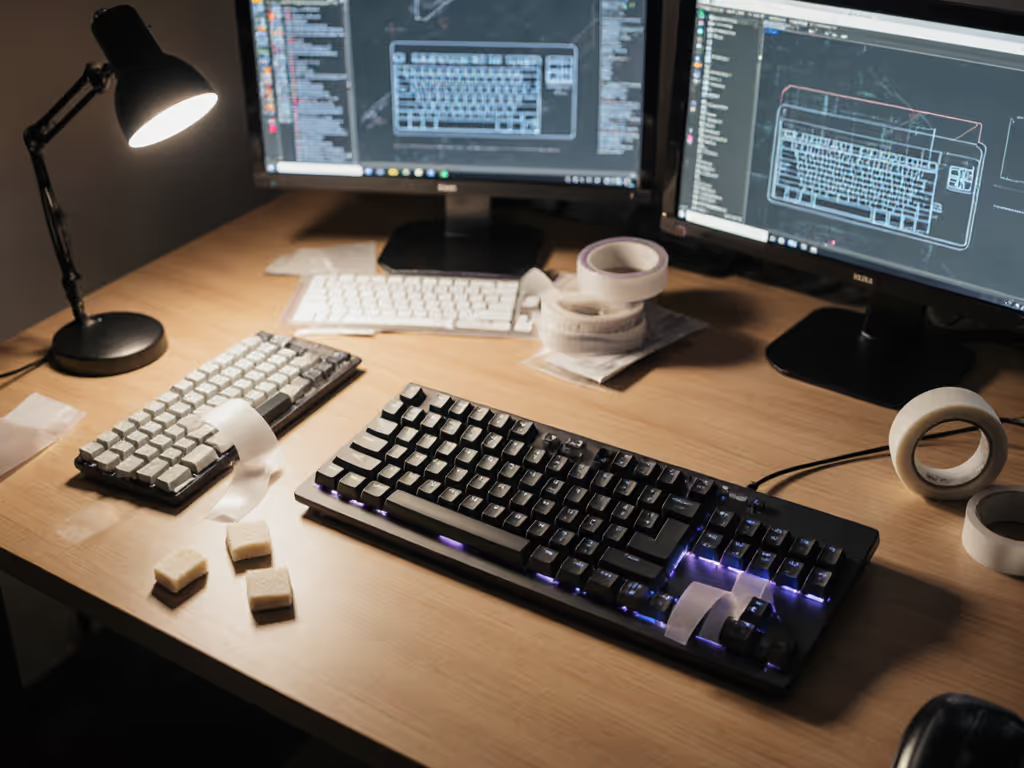
- Isolate the stabilizer from other variables. Test the spacebar on a silent switch (linear, low-noise) so you're measuring stabilizer behavior, not switch chatter.
- Record at a fixed distance (30 cm) and consistent force.
- Use the same test across both Bluetooth and wired (if the board supports it) to verify wireless doesn't introduce acoustic artifacts.
- Test across devices: the rattle signature should be identical on macOS and Windows. If it changes, your wireless stack is introducing latency jitter that delays the stabilizer recovery.
This is tedious, but it's how you filter signal from noise in multi-device setups.
Lubrication and Stabilizer Wire Alternatives
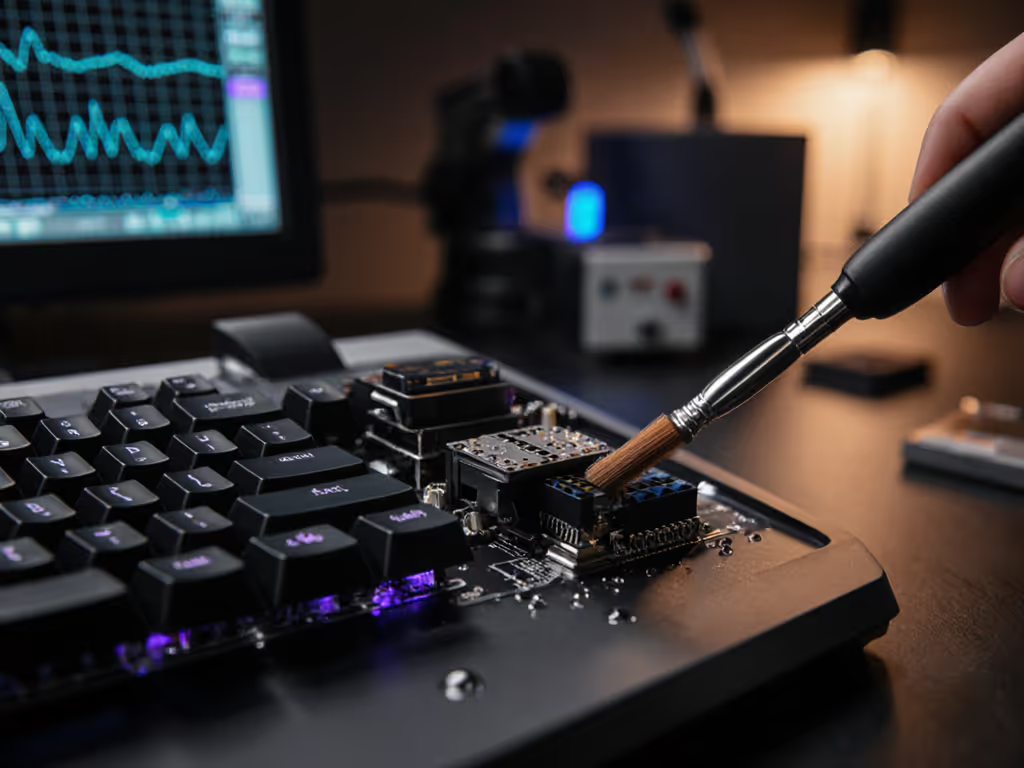
Stabilizer wire lubrication is the fastest acoustic win. A light coating of linear-grade lubricant (typically a mix of lighter oils) reduces rattle by 2 to 4 dB. But lubrication is also OS-agnostic, and it works the same on any keyboard, any device, so it's a reliable baseline mod for wireless users.
Alternatives to standard wire stabilizers are limited. Some enthusiasts experiment with aftermarket "stabilizer wire alternatives" (custom shapes, reinforced designs) but these are niche and untested across wireless stacks. Stick with known quantities: Cherry MX stabilizers (cheap, reliable, easy to mod), Durock V2s (popular, consistent quality), or brand-specific options like Akko's Double-shot TPU design, which ships pre-optimized for reduced rattle.
FAQ: Wireless Stabilizers and Real-World Performance
Q: Do stabilizer size and spacebar layout affect wireless latency?
No direct link, but indirectly, yes. A 6.25u spacebar (standard on most boards) uses a 6.25u stabilizer. A 7u spacebar uses a 7u stabilizer. Mismatched sizes introduce play, which feels like lag on wireless because the variable activation delay compounds the RF latency. Standard 6.25u is your safest bet for multi-device consistency.
Q: Does Bluetooth vs. 2.4 GHz change what stabilizers I should choose?
No, but it changes how you'll notice stabilizer quality. On 2.4 GHz proprietary dongles, latency is tighter (often sub-10 ms), so rattle becomes the dominant acoustic artifact. On Bluetooth, wireless latency is often 15 to 30 ms, so a quiet stabilizer won't mask lag, but a loud one will feel worse because the delay compounds the rattle. Choose stabilizers for silence first; then test across both wireless protocols.
Q: Should I choose lubricated or pre-lubricated stabilizers?
Pre-lubricated saves time but locks you into the manufacturer's lube recipe. For multi-device workflows, I prefer unlubricated stabilizers so I can apply a consistent lube across every board I use, and get the same acoustic baseline with reproducible results. Context switches cost time; identical acoustic signatures across your gear reduce the mental load of switching devices.
Q: Can stabilizers explain wireless disconnects or lag?
No. Stabilizers are purely mechanical. If you're experiencing lag or drops, the issue is RF, firmware, or polling. A quick win is checking for keyboard firmware updates that fix stability, latency, and battery bugs across brands. But a noisy stabilizer can mask those problems, and you'll blame the keyboard's feel instead of investigating the wireless link. Test stabilizer quality in isolation first; then troubleshoot connectivity separately.
Choosing Stabilizers for Wireless: A Framework
For Remote Work Across Devices
Priorities: reliability, consistency, low noise. Choose screw-in PCB-mounted stabilizers (Cherry MX or Durock V2 are solid) and lubricate lightly. Test the same board on macOS, Windows, and Linux (if applicable) to confirm acoustic behavior is identical. Unlubricated alternatives let you control the feel, so if you swap devices multiple times a day, you're not adapting to different rattle profiles.
For Gaming or Competitive Use
Priorities: fast actuation, minimal play, consistent latency across switches. Screw-in stabilizers are non-negotiable. The reduced wobble means faster switch actuation consistency, which matters when context switches between gaming and coding happen mid-session. Avoid exotic stabilizer designs; they introduce variables you can't control across gaming platforms or tournament conditions.
For Shared/Quiet Spaces
Priorities: acoustic dampening, no rattle, zero ambient noise complaints. Plate-mounted stabilizers are generally quieter if well-damped, but PCB-mounted screw-in designs are even better because they isolate vibration. Lubricate aggressively and pair with a silent switch (linear, no click). Test in the actual environment: your bedroom is not a cafe, and an office's RF environment is not home. Acoustic isolation is environment-dependent.
The Workflow Bottom Line
Stabilizers are infrastructure. The right choice disappears; the wrong one announces itself every time you hit spacebar. For wireless users switching between devices, that announcement becomes a cumulative friction point (small, but real). The goal isn't the quietest board or the fanciest stabilizer wire; it's the one that feels and sounds identical across your ecosystem, so your workflow doesn't stutter.
Test reproducibly. Lubricate consistently. Document your baseline acoustic signature so when you add a new device to your wireless stack, you can verify the stabilizer behavior matches before you blame Bluetooth. Context switches cost time: eliminate the ones you can control.
Further Exploration
Deep dive into stabilizer lubrication recipes and their cross-OS acoustic consistency by testing on your specific wireless stack. Document your baseline: record the spacebar and shift keys on each device, measure the rattle at 30 cm, and compare. If the signature shifts between macOS and Windows, investigate your wireless latency before tweaking the stabilizer itself. Join keyboard community forums: MechKeys, GlacierPC, and others maintain reproducible test methodologies. Look for builders who document stabilizer choices with RF environment notes and multi-device testing results. Your workflow depends on it.
Related Articles