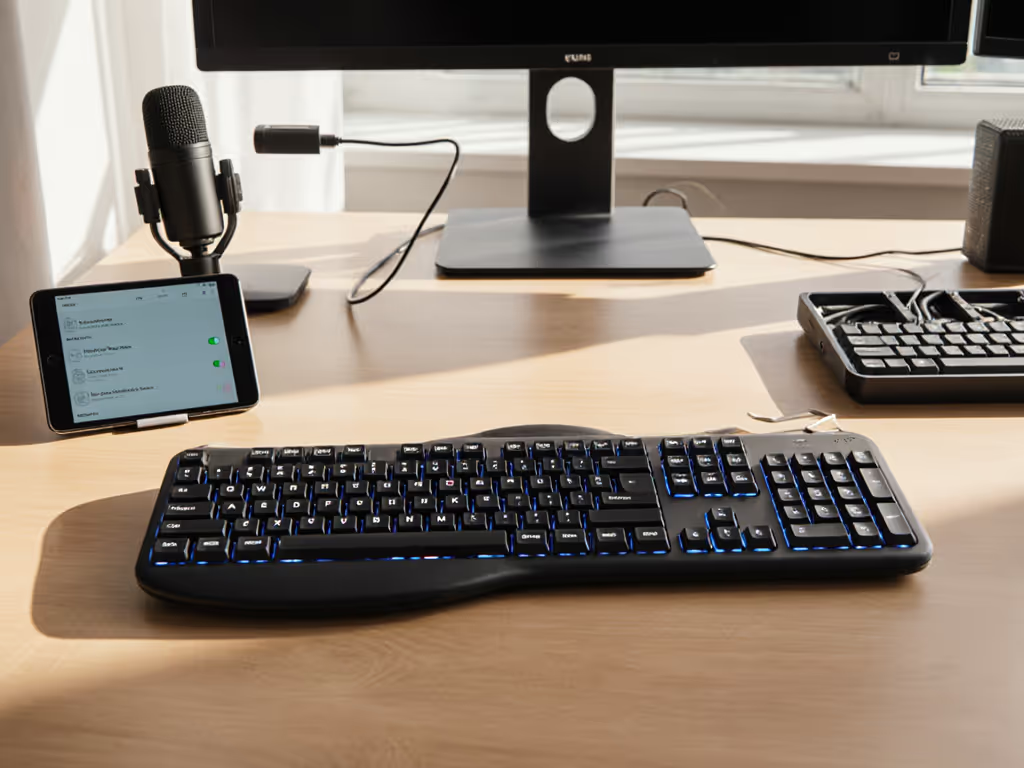
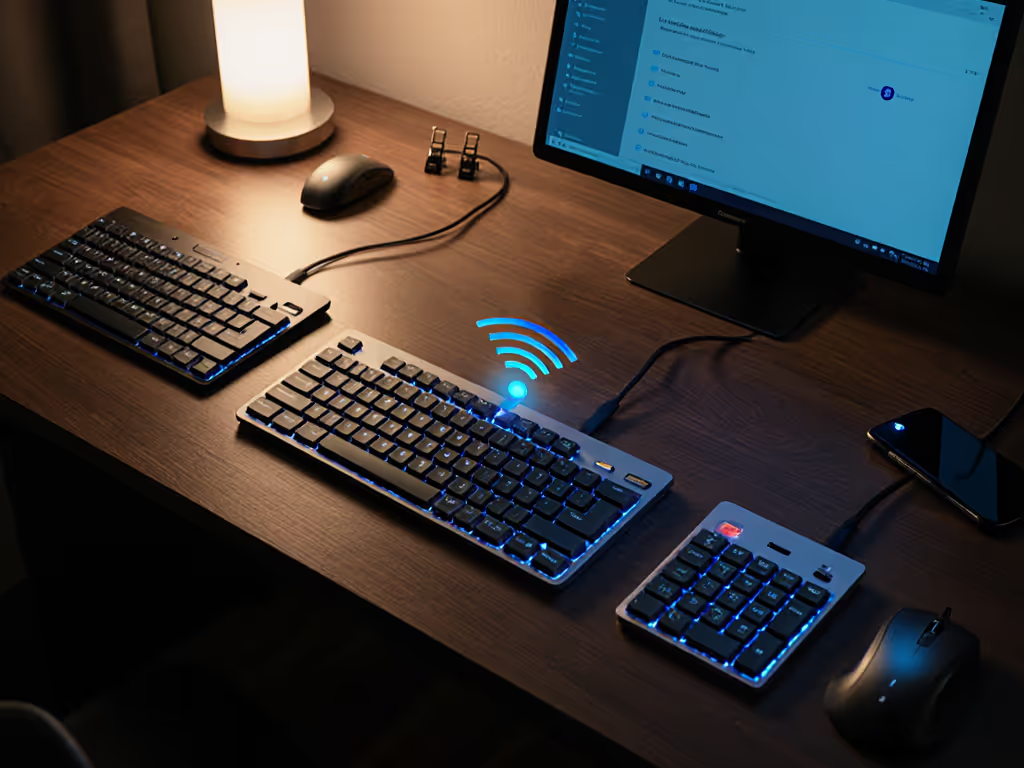
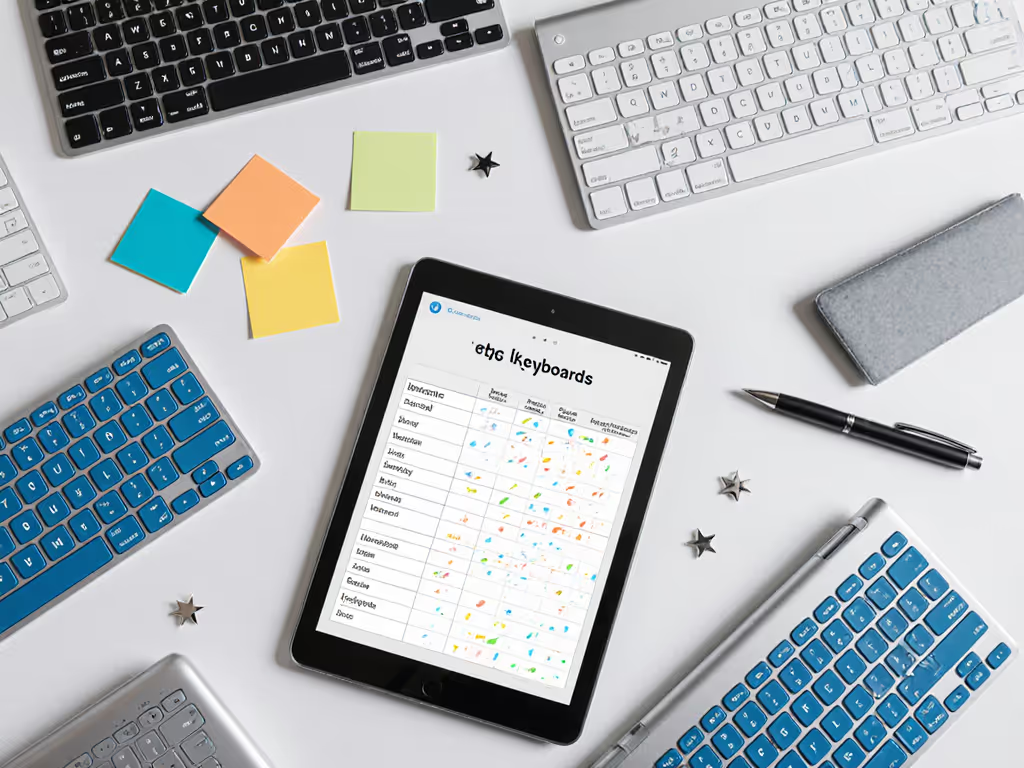
Make wireless keyboards reliably support accessibility. Test latency in your space, ensure modifier stability, verify key mappings, and plan a wired fallback.
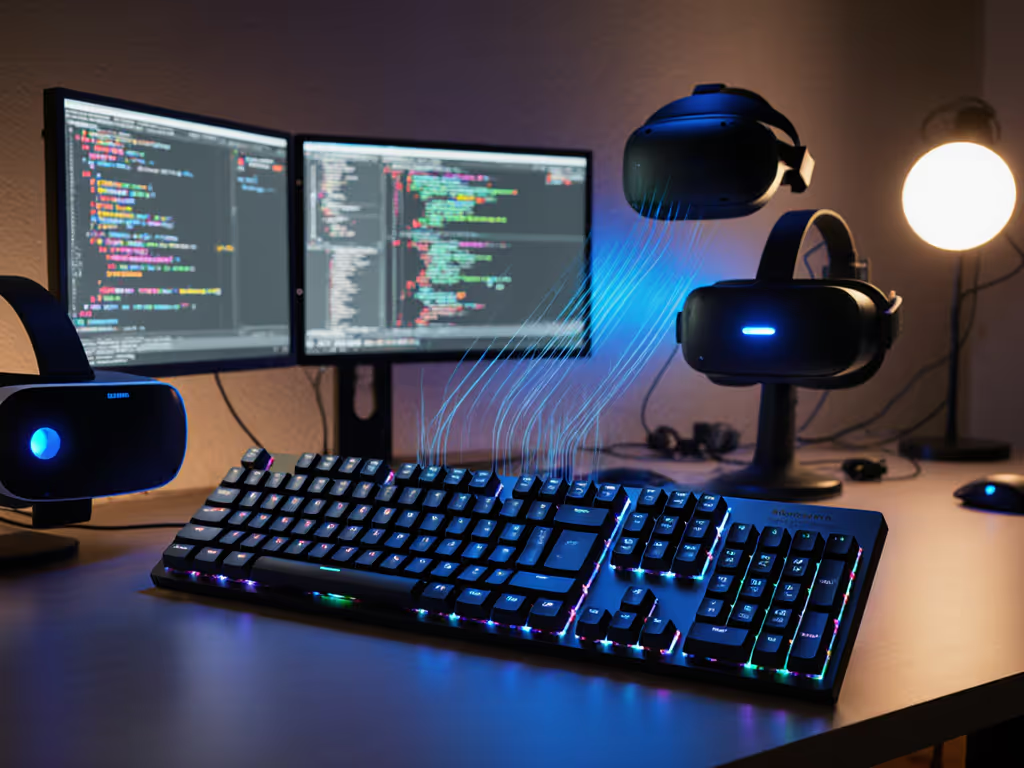
Learn how to choose wireless keyboards that stay connected in RF-heavy VR workflows, with tested wake times, multi-device switching, and stability tips.
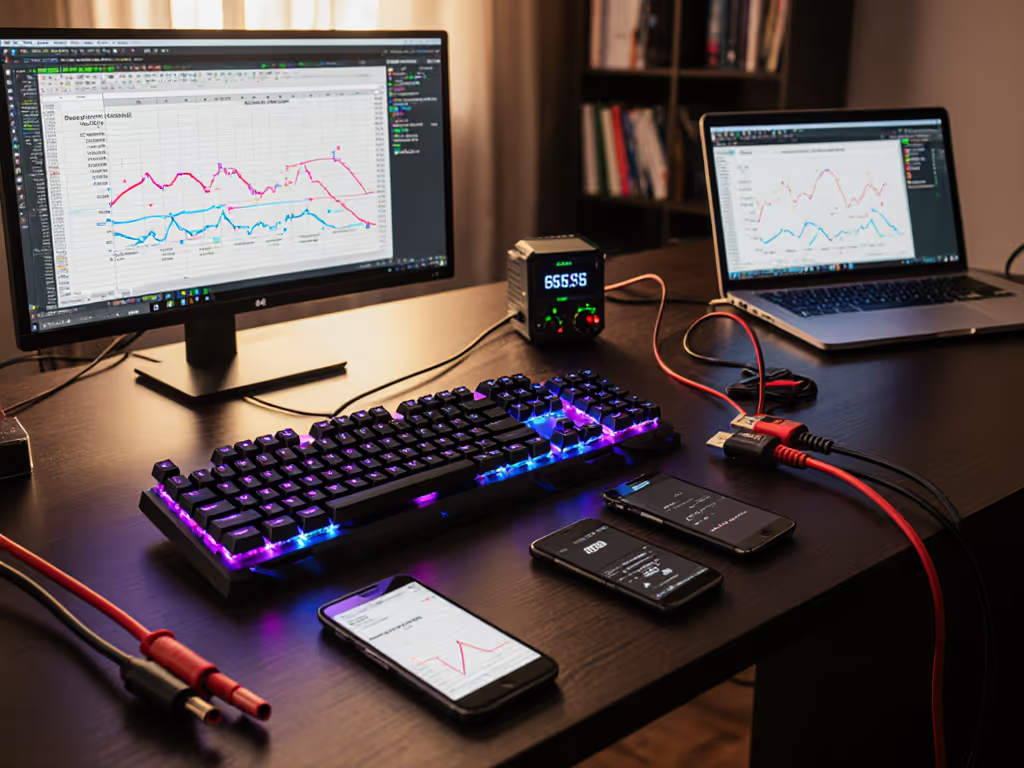
Learn why most 'wireless' keyboards still use USB-C, what actually kills battery life (RGB, polling, 2.4 GHz), and how to set realistic, testable runtimes.
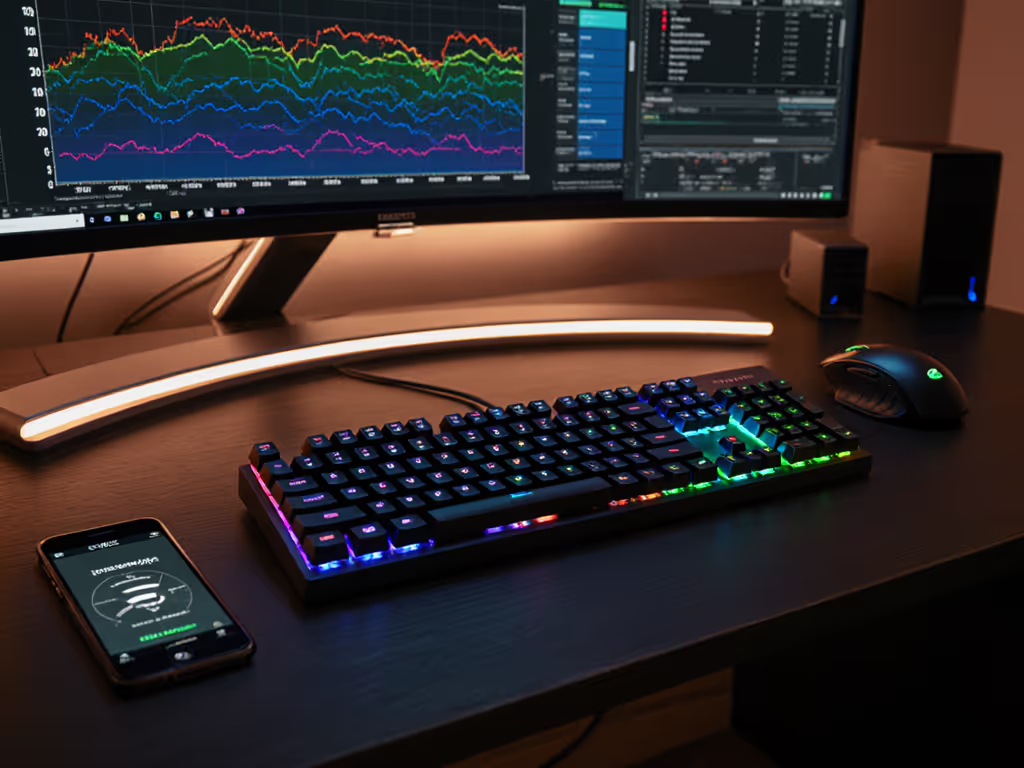
Cut wireless keyboard lag with pro fixes: choose 2.4GHz, place the dongle right, tune polling, tame RGB, update firmware, and test for low-latency performance.
Choose a wireless keyboard by real-world metrics: wake delay, standby drain, RF/Bluetooth stability, and USB-C recovery - skip port hype and test workflow.
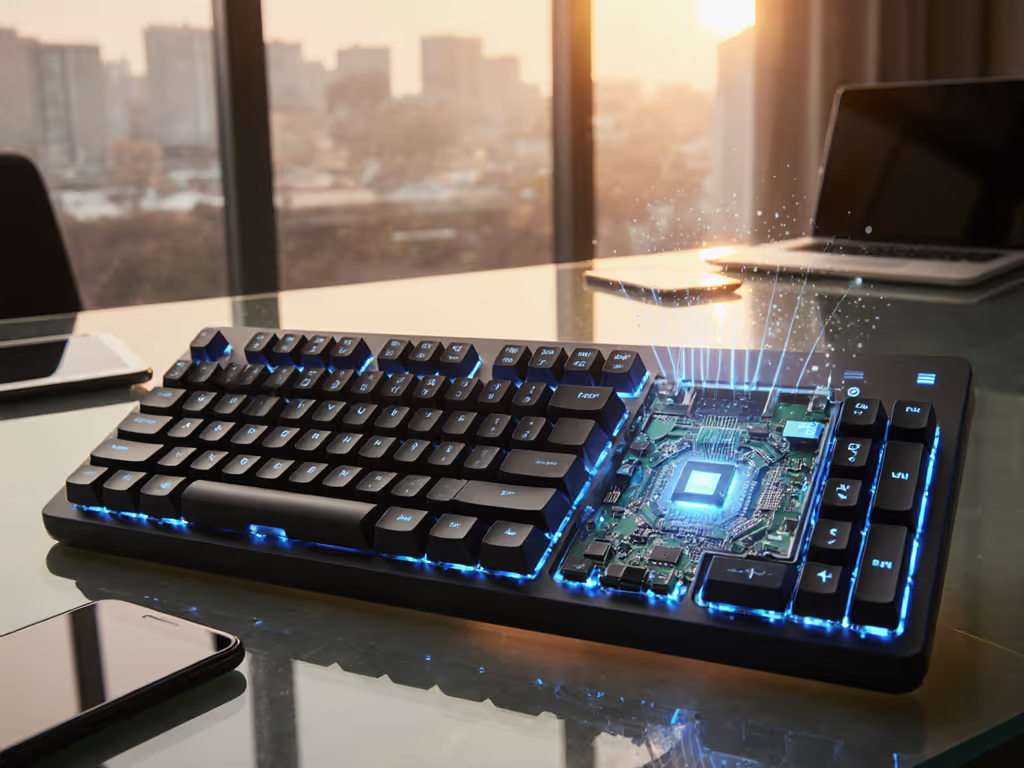
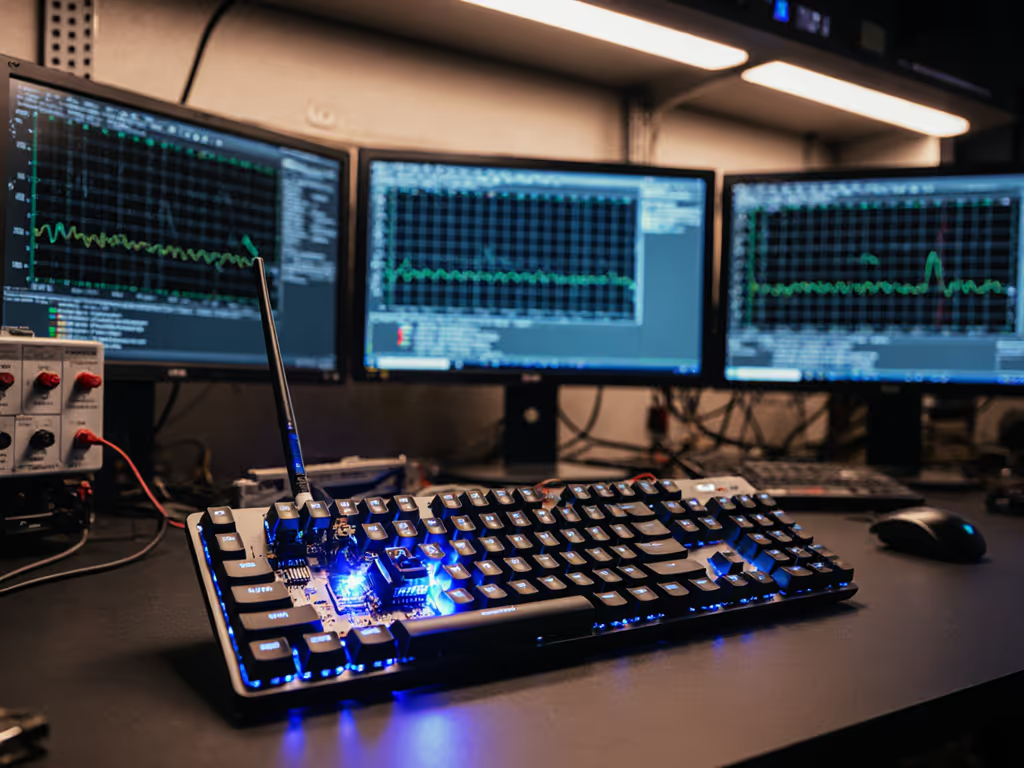
See how magnetic sensing removes contact bounce and reduces error correction, cutting wireless lag and dropouts for faster wake-to-type in noisy RF spaces.
Prioritize wireless stability over RGB. Learn how to customize keyboards for low latency, RF resilience, cross-OS reliability, and security that holds up.
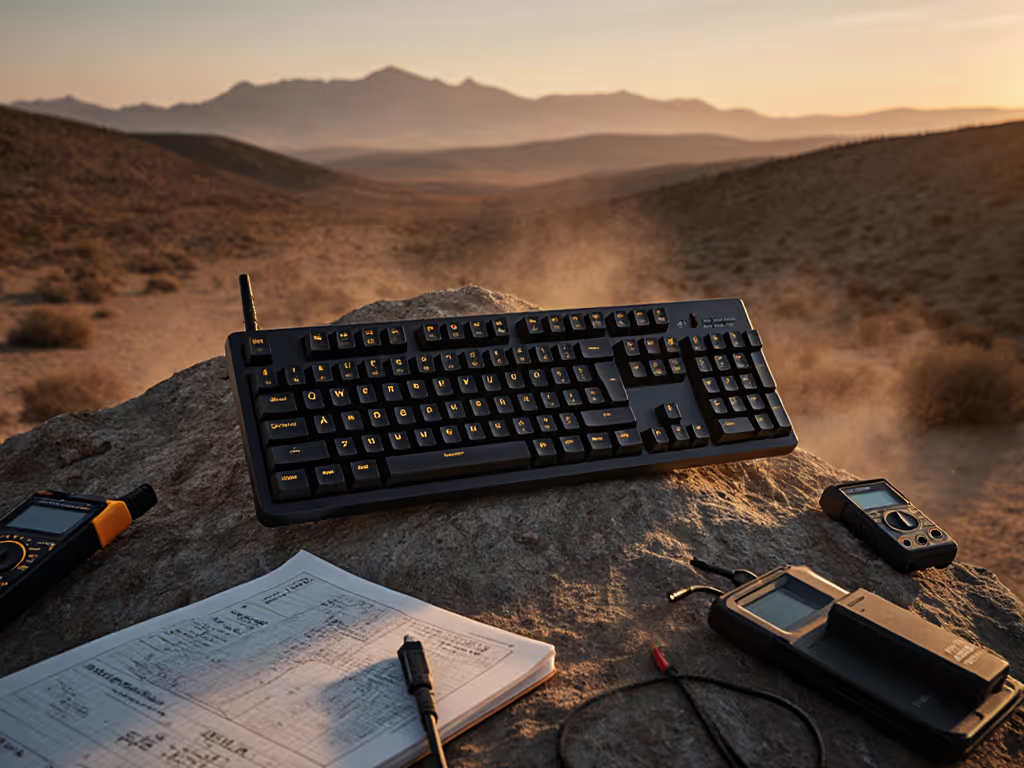
Get field-tested wireless mechanical keyboards that resist dust, humidity, and RF congestion, with sub-10ms latency, quick wake and battery life you can trust.
Compare biometric keyboards with real-world tests to balance security and flow. Learn which sensors cut latency, resist spoofing, and fit enterprise needs.